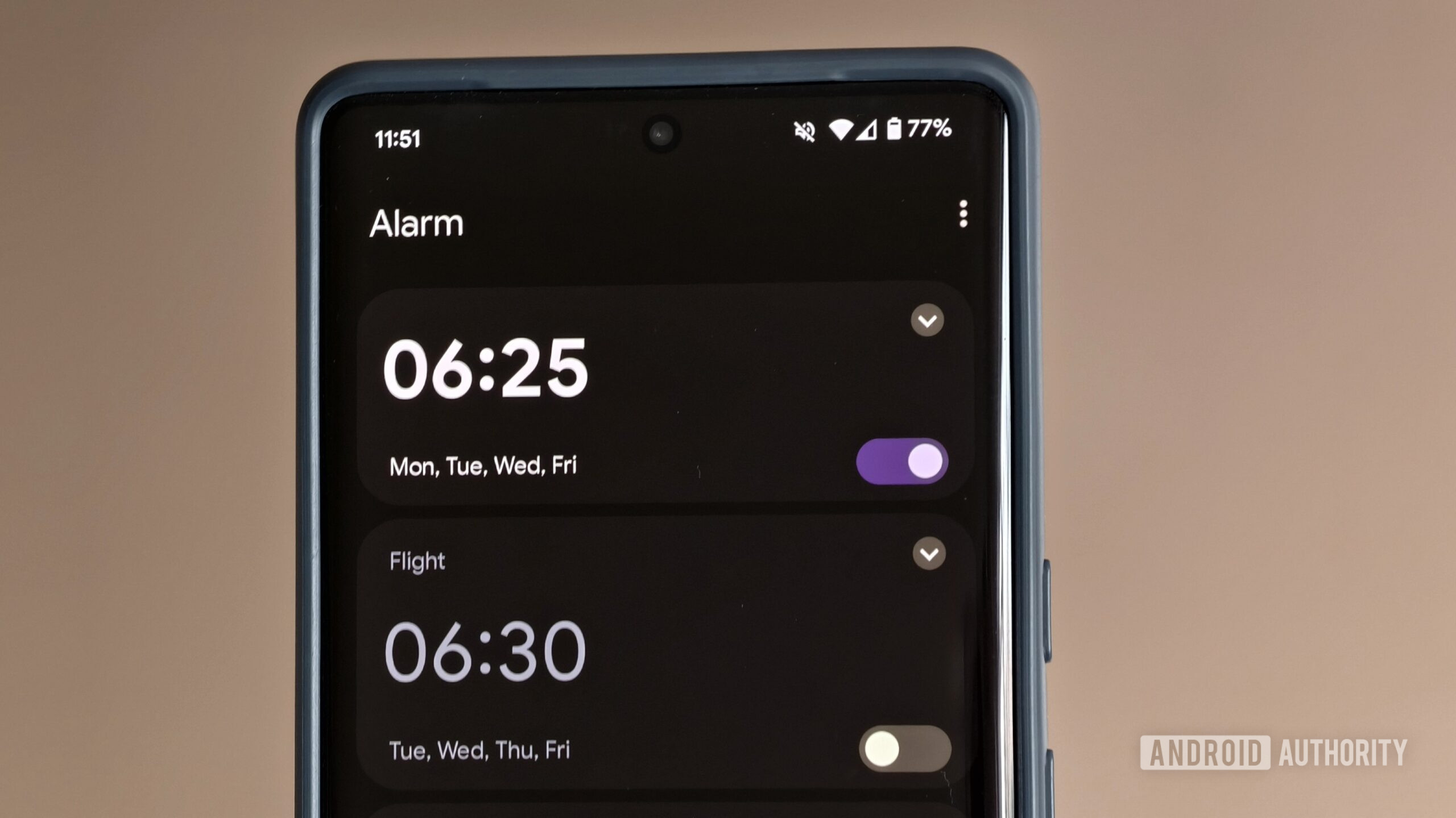
If you've ever relied on Google Clock to rouse you from a deep slumber, you know the sinking feeling of hitting snooze one too many times. Despite its handy timer, stopwatch, and world clock features, the standard alarm often fails to deliver the jolt needed to get out of bed. I learned this the hard way. After several mornings of rushing out the door, I decided to find alarm apps that do more than just beep—they challenge your brain and body to truly wake up. Below are five alternatives that replaced my sleepy Google Clock routine with effective, task-based alarms.
1. Math Problem Alarms
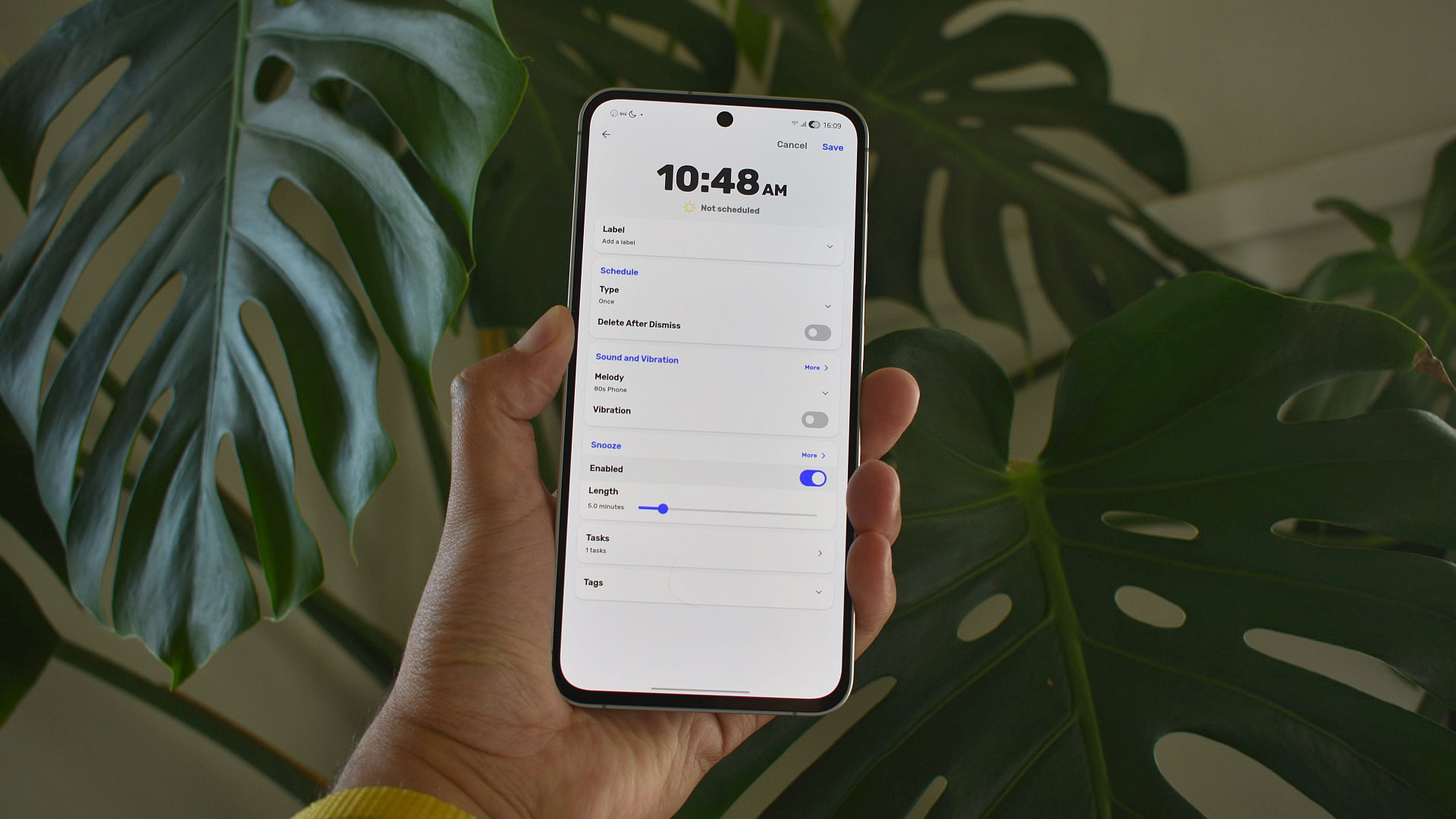
Instead of a simple swipe to dismiss, these apps require you to solve a series of math problems before the alarm stops. The tasks range from basic addition to more complex equations, forcing your brain into active mode. This mental engagement prevents the automatic snooze reflex and ensures you're fully alert within seconds. I found that after a few mornings of solving 3+5 and 12-7, my cognitive function kicked in faster. Some apps let you adjust difficulty or set multiple problems. If you need a gentle nudge, start with easy sums; for a real fight, try calculus levels. This method trains your mind to wake up before your feet hit the floor.
2. Barcode Scanning Alarms
If math isn't your thing, try an alarm that won't stop until you scan a specific barcode—like the one on your coffee maker or bathroom soap. You program the barcode during setup, and the alarm only silences when the app reads it. This forces you to physically leave bed and walk to the item, eliminating the chance of rolling over and falling back asleep. I placed my barcode in the kitchen, so I had to stumble to the coffee machine. The mere act of standing up and focusing on the scan breaks the sleep pattern. It's a clever trick that uses your environment as an accountability partner. No more guilt-free snoozing.
3. Physical Activity Challenges
Some alarms turn your phone into a fitness coach. They require you to perform a set number of steps, shakes, or even squats before the alarm stops. For example, you might need to shake your phone 30 times or get out of bed and walk 20 steps. The motion sensors detect your activity and reward you with silence. This approach boosts blood circulation and wakes your muscles along with your mind. I appreciated how it replaced the groggy shuffle with a mini workout. You can customize the intensity—gentle for lazy Sundays, vigorous for busy weekdays. It's perfect for people who need a physical trigger to start the day.
4. Photo-Matching Alarms
Take a picture of a specific spot in your home (like the bathroom sink or the front door) and set it as the alarm's unlock task. When the alarm goes off, you must snap a photo of the same location from the same angle. The app uses image recognition to verify the match. This ensures you not only leave bed but also navigate to a designated area. I used a photo of my toothbrush holder, so I had to walk to the bathroom and take a matching shot. It's surprisingly effective because the novelty of camera play tricks your brain into waking up. Plus, you get a consistent morning routine started.
5. Puzzle and Memory Games
For those who enjoy brain teasers, puzzle alarms are a delight. You might be presented with a pattern memory challenge, a sliding tile puzzle, or a sequence of lights to tap correctly. These games require focus and hand-eye coordination, which are exactly what a sleepy brain needs to kick into gear. I found that after a few rounds of matching colors or solving a jigsaw, I was mentally sharp enough to face the day. The difficulty escalates if you take too long, so you can't just wait it out. Some apps even let you import your own photos as puzzle pieces.
After testing these five alarm strategies, I can confidently say my mornings are no longer a battle against the snooze button. Google Clock is still installed on my phone—for timers and stopwatches—but for actual waking up, I've switched to apps that demand my full attention. Whether you choose math, movement, or puzzles, the common thread is accountability. Your alarm becomes a personal trainer for your morning brain. Give one a try and see how a little extra challenge can transform your sunrise routine.